AI TL;DR
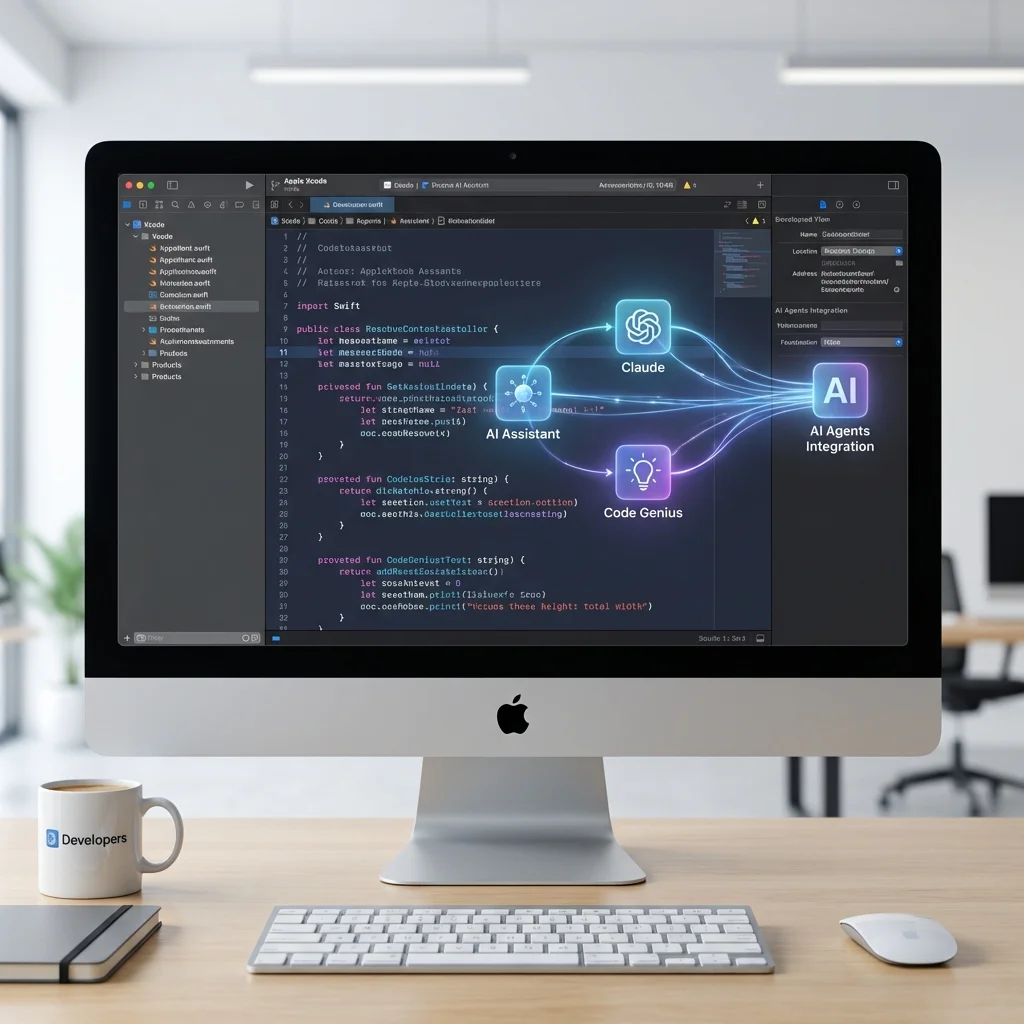
Apple's Xcode 26.3 brings AI agents directly into the IDE with Claude Agent SDK and OpenAI Codex integration. Visual verification with Xcode Previews and MCP protocol support make this the most significant Xcode update in years.
Apple Xcode 26.3 Integrates Claude Agent SDK and OpenAI Codex: A Game Changer for iOS Development
Apple has released Xcode 26.3, and it's not a typical point release. This update integrates Claude Agent SDK from Anthropic and OpenAI's GPT-5.2 Codex directly into Apple's development environment. With visual verification through Xcode Previews and MCP (Model Context Protocol) support, this is the most significant Xcode update for AI-assisted development ever released.
What's New in Xcode 26.3
AI Agent Integration
Xcode 26.3 introduces a new Agent Integration panel that supports:
- Claude Agent SDK - Anthropic's agent framework
- OpenAI GPT-5.2 Codex - OpenAI's coding model
- MCP Protocol Support - Model Context Protocol for tool use
- Autonomous Task Execution - Agents can complete multi-step tasks
This isn't just code completion—it's full agent capability within your IDE.
Visual Verification with Xcode Previews
The standout feature is visual verification. AI agents can now:
Visual Verification Flow:
├── Agent generates/modifies SwiftUI code
├── Xcode Preview renders the result
├── Agent "sees" the rendered output
├── Agent verifies correctness visually
└── Agent iterates if needed
This means agents can catch visual bugs that would be impossible to detect from code alone.
MCP Integration
Xcode 26.3 implements the Model Context Protocol (MCP)—a standard for AI agent tool use. This enables:
- File system access - Read/write project files
- Build system integration - Run builds and tests
- Simulator control - Launch and interact with iOS Simulator
- Git operations - Commit, branch, and merge
- Custom tools - Extend with your own MCP tools
How It Works
Setting Up AI Agents
- Open Xcode 26.3 and navigate to Settings → AI Agents
- Add your API keys for Claude and/or OpenAI
- Configure permissions for file access and builds
- Enable visual verification for UI-related tasks
Agent Capabilities
Once configured, agents can:
// Example: Ask the agent to build a feature
Agent Prompt: "Create a settings screen with dark mode toggle,
notification preferences, and account info"

Agent Actions:
1. Creates SettingsView.swift
2. Implements DarkModeToggle component
3. Adds NotificationPreferences view
4. Creates AccountInfoSection
5. Renders in Xcode Preview
6. Verifies layout looks correct
7. Makes adjustments if needed
8. Runs build to check for errors
Autonomous Task Execution
Agents can execute multi-step workflows autonomously:
| Task Type | What Agent Does |
|---|---|
| Bug Fix | Reads code, identifies issue, fixes, tests, verifies |
| Feature Build | Plans, implements, previews, iterates |
| Refactoring | Analyzes codebase, refactors, verifies no regressions |
| Testing | Writes tests, runs them, adds coverage |
| Documentation | Reads code, generates inline and external docs |
Claude Agent SDK in Xcode
Why Claude Agent SDK
Anthropic's Claude Agent SDK brings several advantages:
- Long context - Handle large Swift/SwiftUI codebases
- Tool use - Native support for MCP tools
- Extended thinking - Complex reasoning for architecture decisions
- Multi-file awareness - Understands relationships across files
Claude-Specific Features
- Swift/SwiftUI expertise - Trained on latest Apple frameworks
- Accessibility awareness - Suggests accessibility improvements
- Best practices - Follows Apple Human Interface Guidelines
- Security focus - Identifies potential security issues
Sample Claude Workflow
User: "Add Core Data persistence to the task list feature"

Claude Agent:
├── Analyzes existing TaskListView.swift
├── Creates TaskModel.xcdatamodeld
├── Generates Task+CoreDataClass.swift
├── Implements PersistenceController.swift
├── Updates TaskListView with @FetchRequest
├── Adds save/delete functionality
├── Previews with mock data
├── Verifies preview renders correctly
└── Runs build to confirm no errors
OpenAI Codex in Xcode
GPT-5.2 Codex Integration
OpenAI's GPT-5.2 Codex offers:
- Speed - Fast code generation
- Broad training - Extensive code training data
- API familiarity - Many developers already use OpenAI
- ChatGPT continuity - Similar experience to ChatGPT
Codex-Specific Features
- Quick completions - Rapid code suggestions
- Multi-language support - Works with Objective-C too
- Integration patterns - Suggests common iOS patterns
- Performance tips - Identifies optimization opportunities
Visual Verification Deep Dive
How Visual Verification Works
Traditional AI code generation:
- AI generates code
- Developer reviews code
- Developer runs to see result
- Developer reports issues to AI
- Repeat
With visual verification:
- AI generates code
- AI sees the rendered preview
- AI self-evaluates visual correctness
- AI iterates if needed
- Developer reviews final result
What Agents Can Verify
| Verification Type | Example |
|---|---|
| Layout | Elements positioned correctly |
| Spacing | Proper padding and margins |
| Colors | Correct color values applied |
| Typography | Right fonts and sizes |
| Responsiveness | Works on different device sizes |
| Dark Mode | Proper appearance in both modes |
Preview Configuration
Agents can test across multiple preview configurations:
#Preview("Light Mode - iPhone") {
    ContentView()
        .preferredColorScheme(.light)
}

#Preview("Dark Mode - iPhone") {
    ContentView()
        .preferredColorScheme(.dark)
}

#Preview("iPad") {
    ContentView()
        .previewDevice("iPad Pro")
}
Agents automatically check all configured previews.
MCP Protocol Support
What is MCP?
The Model Context Protocol (MCP) is a standard for AI agent tool use, developed by Anthropic and now widely adopted. It defines how AI agents interact with external tools and systems.
MCP Tools in Xcode
Xcode 26.3 provides built-in MCP tools:
| Tool | Purpose |
|---|---|
file_read | Read file contents |
file_write | Write/create files |
file_search | Search across project |
xcode_build | Trigger builds |
xcode_test | Run unit tests |
xcode_preview | Capture preview screenshots |
simulator_launch | Start iOS Simulator |
git_status | Check git status |
git_commit | Commit changes |
Custom MCP Tools
Developers can add custom MCP tools:
{
  "name": "my_custom_tool",
  "description": "Does something custom",
  "parameters": {
    "input": {
      "type": "string",
      "description": "Input for the tool"
    }
  }
}
Practical Use Cases
1. Building a New Feature
Prompt: "Create a photo gallery with grid layout,
pull-to-refresh, and Core Data caching"

Agent Output:
├── PhotoGalleryView.swift
├── PhotoGridItem.swift
├── PhotoCache+CoreData.swift
├── NetworkService+Photos.swift
└── All previews verified ✓
2. Debugging a Crash
Prompt: "The app crashes when opening the profile screen
with nil user data"

Agent Actions:
├── Reads crash log
├── Identifies nil unwrapping issue
├── Adds optional binding
├── Adds error state UI
├── Verifies preview with nil data
└── Runs tests to confirm fix
3. UI Refinement
Prompt: "The button looks too small on iPhone SE"

Agent Actions:
├── Opens ContentView.swift
├── Finds button definition
├── Previews on iPhone SE size
├── Sees the issue visually
├── Increases minimum hit target
├── Verifies on SE and other sizes
└── Confirms accessibility compliance
4. Migration Tasks
Prompt: "Migrate from UIKit TableView to SwiftUI List"

Agent Actions:
├── Reads UITableViewController code
├── Creates new SwiftUI List view
├── Preserves cell customization
├── Maintains delegate functionality
├── Previews with sample data
├── Verifies visual parity
└── Suggests deprecation of old code
Developer Experience
Working with AI Agents
The experience feels like pair programming:
- Natural language prompts - Describe what you want
- Real-time progress - Watch agent work in editor
- Preview updates - See changes as they're made
- Intervention capability - Stop and redirect anytime
- History tracking - Review agent actions
Keyboard Shortcuts
| Shortcut | Action |
|---|---|
⌘⇧A | Open Agent Panel |
⌘↵ | Submit prompt to agent |
⌘. | Stop agent execution |
⌘Z | Undo agent changes |
⌘⇧Z | Redo agent changes |
Security and Privacy
Data Handling
Apple has implemented strict controls:
- No project data sent without explicit permission
- Local processing for basic completions
- Encrypted transmission for API calls
- No training on user code by default
- Enterprise controls for managed devices
API Key Management
- Keys stored in Keychain
- Separate keys for Claude and OpenAI
- Per-project key configuration
- Team key sharing via provisioning profiles
System Requirements
Minimum Requirements
| Requirement | Specification |
|---|---|
| macOS | macOS 16.2 (Tahoe) or later |
| RAM | 16GB minimum, 32GB recommended |
| Storage | 50GB for Xcode + AI features |
| Processor | Apple Silicon (M1 or later) |
| Internet | Required for AI features |
Recommended Setup
For best experience with AI agents:
- 32GB+ RAM - Handles large projects smoothly
- M3/M4 Pro or Max - Faster local processing
- Fast internet - Lower latency for AI responses
Getting Started
Installation
- Download Xcode 26.3 from Mac App Store or Apple Developer
- Install and launch Xcode
- Go to Settings → AI Agents
- Add API keys for Claude and/or OpenAI
- Configure permissions
First Steps
- Open a project in Xcode 26.3
- Press ⌘⇧A to open Agent Panel
- Type a prompt like "Explain this view's layout"
- Watch the agent analyze and respond
- Try a modification prompt to see changes
The Bottom Line
Xcode 26.3 represents a fundamental shift in how iOS developers work. By integrating Claude Agent SDK and OpenAI Codex with visual verification:
- Agents can see what they build - Not just generate blind code
- Multi-step tasks become practical - Autonomous feature building
- MCP enables extensibility - Custom tools for any workflow
- Both major AI providers supported - Choose Claude or OpenAI
Key Takeaways:
- Claude Agent SDK and OpenAI Codex integrated into Xcode
- Visual verification using Xcode Previews
- MCP protocol for tool use and extensibility
- Autonomous multi-step task execution
- Works with latest SwiftUI and Apple frameworks
For iOS developers, this is the most significant productivity tool since SwiftUI previews themselves. The ability to describe features in natural language and have agents build, preview, and verify them changes the development workflow fundamentally.
Have you tried Xcode 26.3's AI agents? Share your experience in the comments.