AI TL;DR
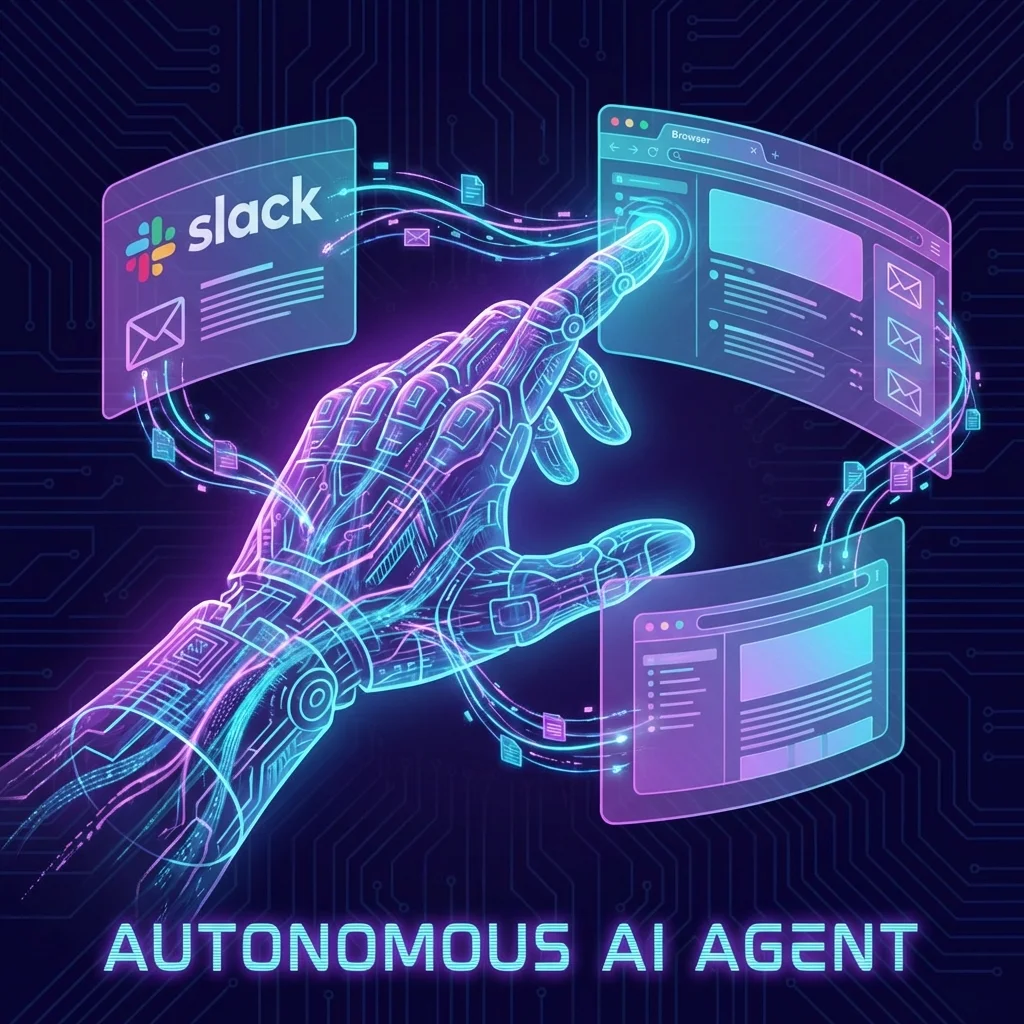
OpenClaw (formerly Clawdbot) is an open-source AI agent that runs 24/7 on your machine, controlling apps across WhatsApp, Slack, and your browser. Here's our deep dive into the viral AI assistant with 100K+ GitHub stars.
OpenClaw Review: The Autonomous AI Agent Taking Over Your Computer
In early 2026, an open-source project quietly became one of the most talked-about AI tools on the planet. OpenClaw (formerly known as Clawdbot, then briefly Moltbot) has amassed over 100,000 GitHub stars and nearly 600,000 downloads in just two months. It's an autonomous AI agent that doesn't just chat—it takes action on your behalf.
What Is OpenClaw?
OpenClaw is a personal assistant that runs locally on your machine and connects through your favorite messaging apps—WhatsApp, Telegram, Slack, or Discord. Unlike cloud-only assistants, it operates 24/7 in the background, performing real actions:
- Checking and responding to emails
- Updating Trello boards and project management tools
- Browsing the web and summarizing information
- Automating entire multi-step workflows
- Sending scheduled reminders and notifications
┌──────────────────────────────────────────────────────────────────┐
│                     OPENCLAW ARCHITECTURE                         │
├──────────────────────────────────────────────────────────────────┤
│                                                                  │
│   ┌──────────────┐                       ┌──────────────────┐   │
│   │  WhatsApp    │◀───┐                  │  Your Computer   │   │
│   ├──────────────┤    │                  ├──────────────────┤   │
│   │  Telegram    │◀───┤    ┌─────────┐   │  ┌────────────┐  │   │
│   ├──────────────┤    │◀───│   CLI   │◀──│──│  Docker    │  │   │
│   │  Slack       │◀───┤    │ Router  │   │  │  Sandbox   │  │   │
│   ├──────────────┤    │    └─────────┘   │  └────────────┘  │   │
│   │  Discord     │◀───┘         │        │        │         │   │
│   └──────────────┘              │        │        ▼         │   │
│                                 │        │  ┌────────────┐  │   │
│                                 ▼        │  │  Browser   │  │   │
│                          ┌───────────┐   │  │Automation  │  │   │
│                          │  Claude   │   │  └────────────┘  │   │
│                          │   API     │   │        │         │   │
│                          └───────────┘   │        ▼         │   │
│                                          │  ┌────────────┐  │   │
│                                          │  │   Files    │  │   │
│                                          │  │   Shell    │  │   │
│                                          │  └────────────┘  │   │
│                                          └──────────────────┘   │
│                                                                  │
└──────────────────────────────────────────────────────────────────┘
The Naming Saga: Clawdbot → Moltbot → OpenClaw
The project's identity has been as dynamic as its codebase:
- Clawdbot (November 2025): Original launch name, a play on "Claude" + "bot"
- Moltbot (December 2025): Brief rebrand after Anthropic's trademark concerns
- OpenClaw (January 2026): Current name, emphasizing open-source nature
Anthropic's involvement makes sense—OpenClaw uses Claude's API as its intelligence layer, making it essentially a locally-running orchestrator for Claude's capabilities.
Key Features
1. True Local Operation
Unlike cloud assistants, OpenClaw keeps your data local:
# OpenClaw stores everything locally
session_history: ~/.openclaw/sessions.jsonl
memory: ~/.openclaw/memory.md
credentials: ~/.openclaw/.env (encrypted)
Your conversations, credentials, and memory stay on your machine—not on someone else's server.
2. Multi-Platform Messaging
Connect through any supported platform:
| Platform | Status | Features |
|---|---|---|
| ✅ Full | Individual + Group chats | |
| Telegram | ✅ Full | Bots, channels, groups |
| Slack | ✅ Full | Workspaces, threads, DMs |
| Discord | ✅ Full | Servers, channels, bots |
| SMS | 🔄 Beta | Via integrations |
3. Browser Automation
OpenClaw uses semantic snapshots for browser control—it understands pages like a human would, not just through DOM manipulation:
// Traditional automation
document.querySelector('#submit-button').click();

// OpenClaw's semantic approach
// "Find and click the submit button"
// Works even if the HTML structure changes
4. Docker Sandbox Execution
All shell commands run in a sandboxed Docker environment with an allowlist system:
# Allowed commands (configurable)
allowed_commands:
  - git
  - npm
  - python
  - node
  - curl

# Denied by default
blocked_patterns:
  - rm -rf
  - sudo
  - chmod 777
How to Install OpenClaw
Prerequisites
- Node.js 18+
- Docker Desktop
- An Anthropic API key
Quick Start
# Clone the repository
git clone https://github.com/openclaw/openclaw.git

# Install dependencies
cd openclaw && npm install

# Configure environment
cp .env.example .env
# Add your ANTHROPIC_API_KEY to .env

# Start the agent
npm run start
Connect Messaging Platforms
# WhatsApp (QR code authentication)
npm run connect:whatsapp

# Telegram (bot token)
npm run connect:telegram

# Slack (OAuth)
npm run connect:slack
Security Considerations ⚠️
OpenClaw's power comes with significant security implications:
Recent Vulnerability: CVE-2026-25253
On January 30, 2026, a high-severity vulnerability was patched in version 2026.1.29:
Remote Code Execution through malicious links processed by the agent
Always run the latest version. The fix is included in 2026.1.29+.
Permission Concerns
Security researchers have raised valid concerns:
- Deep System Access: OpenClaw often requires permissions equivalent to administrator
- Credential Exposure: API keys for connected services are stored locally
- Autonomous Execution: The agent can take actions without per-action approval
Best Practices
# Recommended security configuration
security:
  require_confirmation: true  # Confirm destructive actions
  sandbox_all_commands: true  # Never run shell outside Docker
  log_all_actions: true       # Full audit trail
  credential_encryption: true # Encrypt stored tokens
Real-World Use Cases
1. Inbox Zero Automation
"Every morning, summarize my unread emails, flag anything urgent,
and draft responses to routine inquiries for my approval"
2. Social Media Management
"Monitor Twitter mentions of our brand, alert me to complaints
immediately, and draft empathetic responses"
3. Development Workflow
"When a GitHub issue is assigned to me, create a feature branch,
set up the development environment, and notify me on Slack"
4. Research Aggregation
"Track these 10 AI research labs for new publications,
summarize papers relevant to our work, and add to Notion"
Comparison: OpenClaw vs. Other AI Agents
| Feature | OpenClaw | Claude Computer Use | OpenAI Operator |
|---|---|---|---|
| Open Source | ✅ Yes | ❌ No | ❌ No |
| Local Data | ✅ Yes | ❌ Cloud | ❌ Cloud |
| Messaging Integration | ✅ Multi-platform | ❌ None | ❌ None |
| Browser Control | ✅ Semantic | ✅ Pixel-based | ✅ Pixel-based |
| 24/7 Operation | ✅ Yes | ❌ Session-based | ❌ Session-based |
| Cost | API usage only | Included in Claude Max | Included in Pro |
The Viral Growth Story
OpenClaw's growth has been exceptional:
- Week 1: 10,000 GitHub stars
- Month 1: 50,000 stars, 200,000 downloads
- Month 2: 100,000 stars, 600,000 downloads
Forbes called it "the first AI assistant that actually does things instead of just talking about them."
Community and Development
The project maintains active development with:
- Core Team: 5 maintainers
- Contributors: 200+
- Discord Community: 50,000+ members
- Weekly Updates: New features every Tuesday
Upcoming Features (Roadmap)
- Voice Integration: Control via voice in any messaging app
- Vision Mode: Screenshot understanding for UI automation
- Multi-Agent Orchestration: Multiple OpenClaw instances working together
- MCP Support: Model Context Protocol for broader tool integration
Should You Use OpenClaw?
✅ Ideal For:
- Developers comfortable with CLI tools
- Power users automating complex workflows
- Teams wanting local, private AI assistance
- Anyone frustrated by chat-only AI assistants
❌ Not Recommended For:
- Non-technical users (steep learning curve)
- Enterprise environments without security review
- Anyone uncomfortable with AI taking autonomous actions
Final Verdict
OpenClaw represents a paradigm shift in personal AI assistants. By running locally, connecting through familiar messaging apps, and actually executing tasks rather than just describing them, it delivers on the promise of a true AI agent.
However, with great power comes great responsibility. The security considerations are real, and users should approach with appropriate caution.
Rating: 4.5/5 ⭐
Powerful, open, and genuinely autonomous—but requires technical expertise and security awareness.
Related Reading
Using OpenClaw for interesting automations? Share your workflows in the comments below.