AI TL;DR
Writing assistance or workflow automation? We compare Notion AI and Coda AI to find the best AI-powered productivity platform. This article explores key trends in AI, offering actionable insights and prompts to enhance your workflow. Read on to master these new tools.
Notion AI vs Coda AI 2026: Which Productivity Platform Wins?
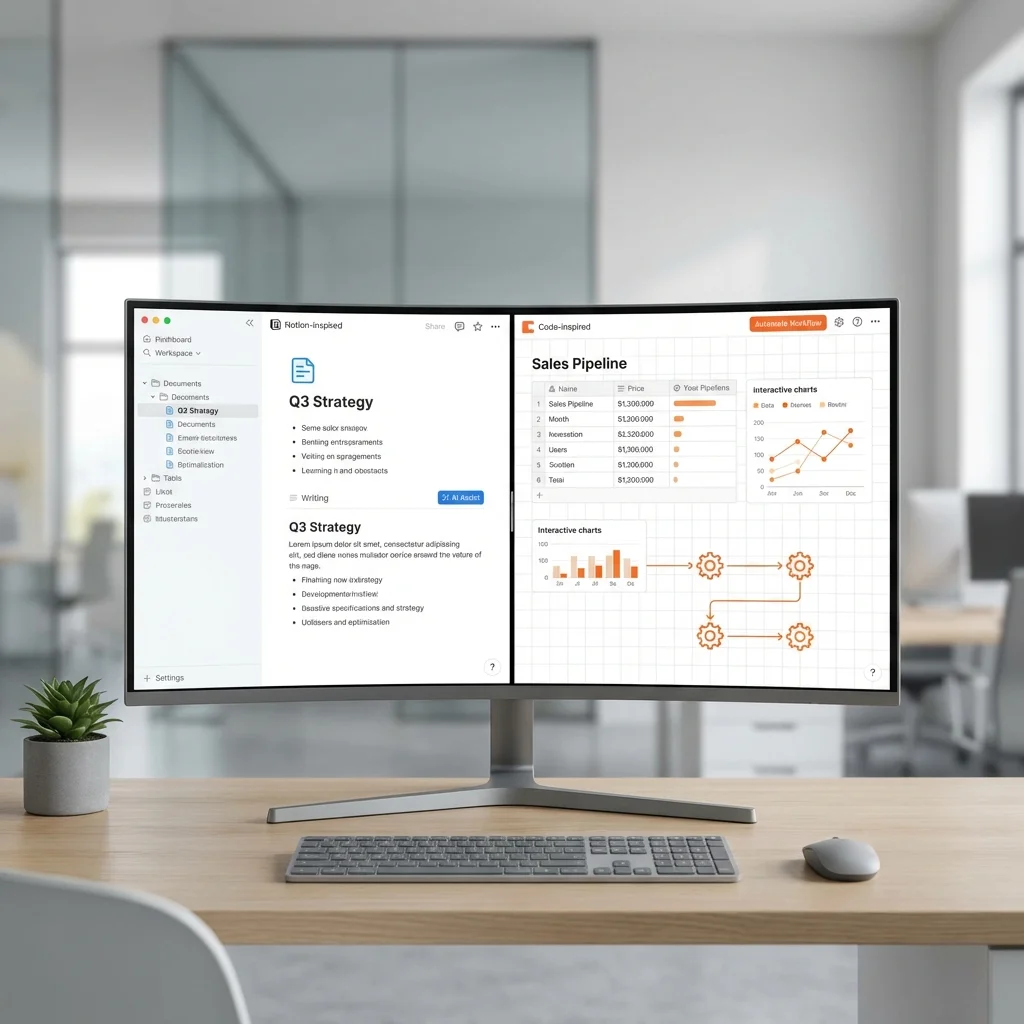
Two AI-powered workspaces. Different strengths.
Notion AI: Writing-first, flexible blocks. Coda AI: Data-first, app-like docs.
Here's how they compare in 2026.
Quick Comparison
| Feature | Notion AI | Coda AI |
|---|---|---|
| Best For | Content & wikis | Data & automation |
| AI Writing | 🏆 Excellent | Good |
| Automation | Good | 🏆 Excellent |
| Integrations | 100+ | 🏆 450+ Packs |
| Model Choice | GPT-5.2, Claude, Gemini | Proprietary |
| Pricing Model | Per user | Per Doc Maker |
| Cost (50 users) | ~$12,000/yr | ~$3,000/yr |
TL;DR: Notion AI for writing and knowledge management. Coda AI for data workflows and cost-efficiency.
Pricing Comparison
Notion AI
| Plan | Price | AI Features |
|---|---|---|
| Free | $0 | Limited AI trial |
| Plus | $10/user/mo | Limited AI trial |
| Business | $20/user/mo | Full AI included |
| Enterprise | Custom | Full AI, zero data retention |
50-person Business team: ~$12,000/year
Coda AI
| Plan | Price | AI Features |
|---|---|---|
| Free | $0 | No AI |
| Pro | $10/Doc Maker/mo | Full AI |
| Team | $30/Doc Maker/mo | Full AI + collaboration |
| Enterprise | Custom | Full AI + security |
50-person team (5 Doc Makers): ~$1,800-$3,600/year
Value Winner: Coda AI - Up to 78% cheaper for large teams.
AI Features
Notion AI
Integrated throughout the workspace:
- Content Generation - Draft articles, summaries, briefs
- Editing - Grammar, tone, style corrections
- Translation - Multiple languages
- Summarization - Condense long documents
- AI Meeting Notes - Auto-generated from calendar
- Autofill - Populate database rows
- Model Selection - Choose GPT-5.2, Claude Opus 4.5, or Gemini 3
- AI Agent - Enterprise deep search and research
Coda AI
Woven into data workflows:
- AI Columns - Auto-populate based on row data
- AI Blocks - Summaries, action items, themes
- AI Chat - Brainstorming and suggestions
- AI Reviewer - Feedback as comments
- Context-Awareness - Understands your docs
- Automated Workflows - Trigger AI on data changes
- AI Task Generation - Create checklists and plans
Use Case Comparison
Documentation & Wikis
| Metric | Notion AI | Coda AI |
|---|---|---|
| Ease of creation | ⭐⭐⭐⭐⭐ | ⭐⭐⭐⭐ |
| AI assistance | ⭐⭐⭐⭐⭐ | ⭐⭐⭐⭐ |
| Organization | ⭐⭐⭐⭐⭐ | ⭐⭐⭐⭐ |
| Collaboration | ⭐⭐⭐⭐⭐ | ⭐⭐⭐⭐⭐ |
Wiki Winner: Notion AI - Built for this.
Project Management
| Metric | Notion AI | Coda AI |
|---|---|---|
| Task tracking | ⭐⭐⭐⭐ | ⭐⭐⭐⭐⭐ |
| Automation | ⭐⭐⭐ | ⭐⭐⭐⭐⭐ |
| Custom views | ⭐⭐⭐⭐ | ⭐⭐⭐⭐⭐ |
| Formulas | ⭐⭐⭐ | ⭐⭐⭐⭐⭐ |
PM Winner: Coda AI - More powerful automation.
Data Management
| Metric | Notion AI | Coda AI |
|---|---|---|
| Database power | ⭐⭐⭐⭐ | ⭐⭐⭐⭐⭐ |
| Calculations | ⭐⭐⭐ | ⭐⭐⭐⭐⭐ |
| External data | ⭐⭐⭐ | ⭐⭐⭐⭐⭐ |
| Data sync | ⭐⭐⭐⭐ | ⭐⭐⭐⭐⭐ |
Data Winner: Coda AI - App-like functionality.
Integration Ecosystem
Notion Integrations
- 100+ native integrations
- Slack, Google Drive, GitHub
- Zapier/Make connections
- API for custom builds
- Embed widgets
Coda Packs
- 450+ Packs available
- Slack, Jira, Google Calendar
- Salesforce, HubSpot
- Custom Pack builder
- Two-way sync with external tools
- AI can trigger actions across tools
Integration Winner: Coda - More Packs, deeper sync.
2026 Updates
Notion AI (2026)
- Model Selection - Choose your AI model
- AI Agent - Enterprise research assistant
- AI Meeting Notes - Calendar integration
- Advanced Search - AI-powered workspace search
- Notion Q&A - Ask about your workspace
Coda AI (2026)
- Enhanced AI Columns - More context-aware
- AI Reviewer - Better feedback quality
- Workflow Triggers - AI responds to data changes
- Cross-pack AI - Use AI across integrations
Strengths & Weaknesses
Notion AI
Strengths:
- Superior writing assistance
- Intuitive block-based editing
- Beautiful templates
- Strong wiki organization
- Model selection flexibility
Weaknesses:
- Per-user pricing adds up
- Automation less powerful
- Fewer integrations
- Database limitations
Coda AI
Strengths:
- Powerful data workflows
- "Doc Maker" pricing (cost-efficient)
- 450+ integrations
- App-like documents
- Strong automation
Weaknesses:
- Steeper learning curve
- Less intuitive for writing
- AI writing not as polished
- Can get complex
Best For
Choose Notion AI For:
- Content teams creating documentation
- Knowledge management and wikis
- Small teams needing easy collaboration
- Writers who want AI writing help
- Companies wanting model choice
- Beautiful workspace aesthetics
Choose Coda AI For:
- Large teams watching costs
- Data-heavy workflows
- Complex automation needs
- Operations teams
- Custom apps without code
- CRM/tool integration requirements
Real User Feedback
Notion AI Users Say:
- "Best for documentation and wikis"
- "AI writing saves hours"
- "New model selection is great"
- "Can get expensive at scale"
Coda AI Users Say:
- "Like Excel met Notion and had an AI baby"
- "Doc Maker pricing is brilliant"
- "Can build actual workflows"
- "Steeper learning curve worth it"
Migration Considerations
Moving from Notion to Coda:
- Most content imports cleanly
- Databases need restructuring
- Automations need rebuilding
- Team retraining required
Moving from Coda to Notion:
- Basic content transfers well
- Complex formulas may break
- Packs don't carry over
- Simpler workflows only
The Verdict
| If You Need... | Choose |
|---|---|
| AI writing help | Notion AI |
| Workflow automation | Coda AI |
| Team wikis | Notion AI |
| Data apps | Coda AI |
| Beautiful docs | Notion AI |
| Cost efficiency | Coda AI |
| Integrations | Coda AI |
| Ease of use | Notion AI |
Bottom Line:
- Content-first teams: Notion AI
- Data-first teams: Coda AI
- Budget-conscious: Coda AI
Both are excellent—your workflow style determines the winner.
Related Articles: