AI TL;DR
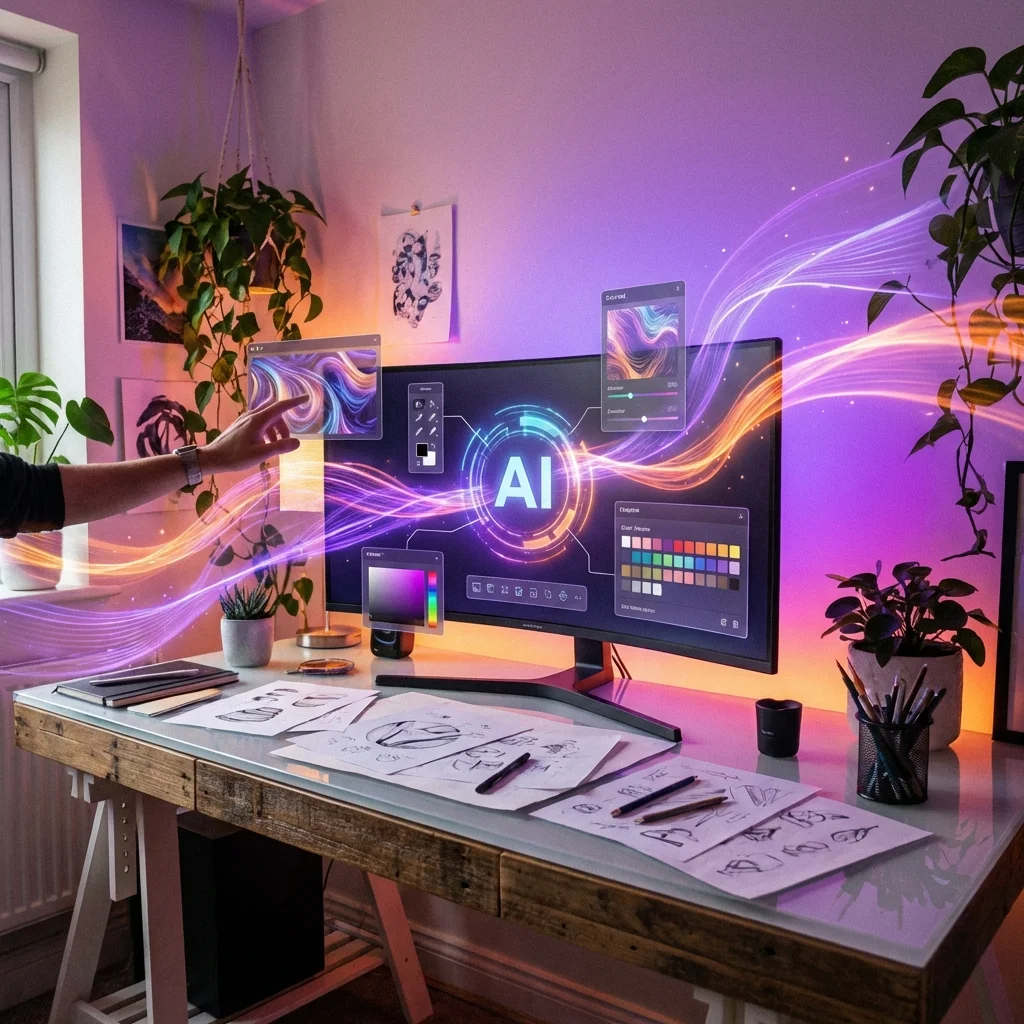
Not replacing creativity—augmenting it. Here's what real designers are doing with AI tools. This article explores key trends in AI, offering actionable insights and prompts to enhance your workflow. Read on to master these new tools.
How Designers Are Actually Using AI
I've talked to a bunch of designers—UX designers, graphic designers, brand strategists—about how they're actually using AI in their day-to-day work. The reality is less dramatic than the "AI is replacing designers" headlines but more interesting than you might think.
Here's what's actually happening in design studios and creative teams in 2026.
The Brainstorming Revolution
The most common use case isn't generating finished work. It's exploring ideas quickly and breaking through creative blocks.
Rapid Ideation
Stuck on a concept? Generate 20 variations in a few minutes. Most will be bad—genuinely bad—but one or two might spark something useful. It's faster than staring at a blank page waiting for inspiration.
Designers I've talked to use this approach for:
- Logo exploration: Generate dozens of rough concepts to identify promising directions
- Color palette discovery: Just describe a mood and get unexpected combinations
- Layout variations: Quick visual options for client discussions
- Style exploration: "What would this look like in a cyberpunk aesthetic?" or "Show me Art Deco approaches"
The key insight: AI is a brainstorming partner, not a replacement for creative thinking. The human designer still evaluates, selects, and refines.
Mood Boards and References
Midjourney has become a secret weapon for visual research. Instead of spending hours on Pinterest searching for the right reference images, designers describe what they're looking for and generate it.
This is particularly useful when:
- The specific reference you need doesn't exist
- You want to avoid accidentally copying something too closely
- You need to quickly show a client what you mean by a vague concept
One designer told me: "I used to spend half a day finding the perfect mood board images. Now I generate them in an hour. The references are better because they're exactly what I imagined, not approximations."
Automating the Boring Stuff
This is where AI saves actual hours without any creative compromise:
Image Processing Tasks
| Task | Old Way | AI Way | Time Saved |
|---|---|---|---|
| Background removal | 15 min per image | 30 seconds | 95%+ |
| Image resizing for different platforms | 5 min per variation | Automated batch | 90%+ |
| Color correction | 10 min per image | AI-assisted | 70% |
| Photo retouching | 30+ min per image | AI-assisted | 50% |
Content and Accessibility
- Alt text generation: AI writes descriptive alt text for images, saving hours on accessible websites
- Copy variations: Generate multiple headline options, social media captions, or placeholder text
- Translation: Quick rough translations for international mockups
Design Asset Management
- Creating variations of approved designs for different contexts
- Generating placeholder content for prototypes
- Converting file formats and optimizing for different platforms
None of this is creative work, but it all takes time. Offloading it to AI means more time for the interesting problems that actually require human creativity.
The UI/UX Frontier
Some designers are experimenting with AI-generated wireframes and mockups. You describe what you want, and the AI sketches something out.
What's Working
Early-stage exploration: When you need to quickly visualize 10 different approaches to a screen, AI can generate rough versions faster than sketching them manually.
Client communication: Sometimes the fastest way to show a client what you mean is to generate it, especially for abstract concepts.
Component ideation: "Show me 20 different ways to display a user dashboard" produces options you might not have considered.
What's Not Working
Production-ready output: AI-generated UI rarely works straight to development. Spacing is inconsistent, component states are incomplete, responsive behavior isn't considered.
Brand consistency: AI doesn't know your design system. Generated mockups need significant adjustment to match established patterns.
User research insights: AI can't incorporate what you learned from user testing or stakeholder interviews into its designs.
I'd say UI/UX AI is promising but early. The best results come from experienced designers who know what to ask for and can quickly evaluate and refine output.
Tool-by-Tool: What Designers Actually Use
Based on conversations with working designers, here's what tools are getting real usage:
For Image Generation
Midjourney: Still the gold standard for aesthetic quality. Most designers use it for inspiration, mood boards, and concept exploration. Not for final assets.
Adobe Firefly: Popular because it integrates with Adobe tools designers already use. The quality gap with Midjourney is closing.
DALL-E: Convenient if you're already using ChatGPT. Good enough for quick concepts and internal presentations.
For Writing and Copy
ChatGPT/Claude: Draft headlines, taglines, placeholder copy, and content variations. Always needs editing but saves time on first drafts.
For Presentations
Gamma: AI-generated presentations that look professional. Designers use it for internal decks rather than client work.
Canva AI: Useful for quick social media graphics and marketing content.
For Code and Development
Cursor/GitHub Copilot: UI/UX designers who code are using AI for faster frontend development, especially CSS and component logic.
The Workflow Integration Question
The most sophisticated design teams aren't just using AI tools in isolation—they're integrating them into their workflows.
Successful Integration Patterns
Exploratory → Human curation → Refinement
- Generate many options with AI
- Designer selects and critiques promising directions
- AI or human refines based on feedback
- Final human polish and brand alignment
Human concept → AI expansion → Human selection
- Designer creates initial concept
- AI generates variations and alternatives
- Designer evaluates and combines best elements
- Manual finalization
AI for speed, human for quality
- Use AI for speed-critical, scope-expansive early phases
- Transition to human-only for quality-critical final phases
Integration Mistakes to Avoid
- Over-relying on AI output without critical evaluation
- Skipping human creativity phase entirely
- Presenting raw AI output to clients
- Ignoring brand guidelines in AI generation
What's Not Working
Real talk about where AI falls short in design:
Generic Output
AI-generated designs often look similar. The same aesthetic patterns, the same layout approaches, the same color sensibilities. If distinctiveness matters—which for branding, it almost always does—you need human creativity.
Context-Blind Decisions
AI doesn't know:
- Your brand's history and values
- What competitors are doing
- What your specific audience responds to
- Internal political constraints
- Technical limitations
It can generate options, but it can't know which option is right for your specific situation.
Lazy Approval Patterns
Some organizations are using AI output without sufficient human review. This leads to:
- Inconsistent brand experiences
- Missed accessibility requirements
- "It looks AI-generated" feedback from customers
- Subtle errors that humans would have caught
The Future Designer's Skillset
Based on how the best designers are adapting, here's what seems to matter more now:
Rising in Importance
- Taste and judgment: Evaluating quality across many options
- Prompt engineering: Getting useful output from AI tools
- Curation skills: Selecting and combining elements
- Strategic thinking: Knowing what problem to solve
- Human connection: Understanding user needs, client relationships
Less Important Than Before
- Speed at executing standard patterns
- Memorizing best practices (AI knows them)
- Technical execution of routine tasks
Staying the Same
- Creativity and original thinking
- Understanding human psychology
- Communication skills
- Client relationship management
- Ethical judgment
My Take
AI is making designers more productive, not obsolete. The job is shifting from "make the thing" to "guide the AI and make the final judgment calls."
If anything, taste and judgment are becoming more valuable, not less. When anyone can generate decent-looking visuals, the ability to distinguish exceptional from merely acceptable becomes the differentiator.
The designers who are thriving are those who've embraced AI as a powerful tool while recognizing its limitations. They use AI for speed and exploration, but they bring human creativity, context-awareness, and quality judgment to everything they ship.
Related reading: